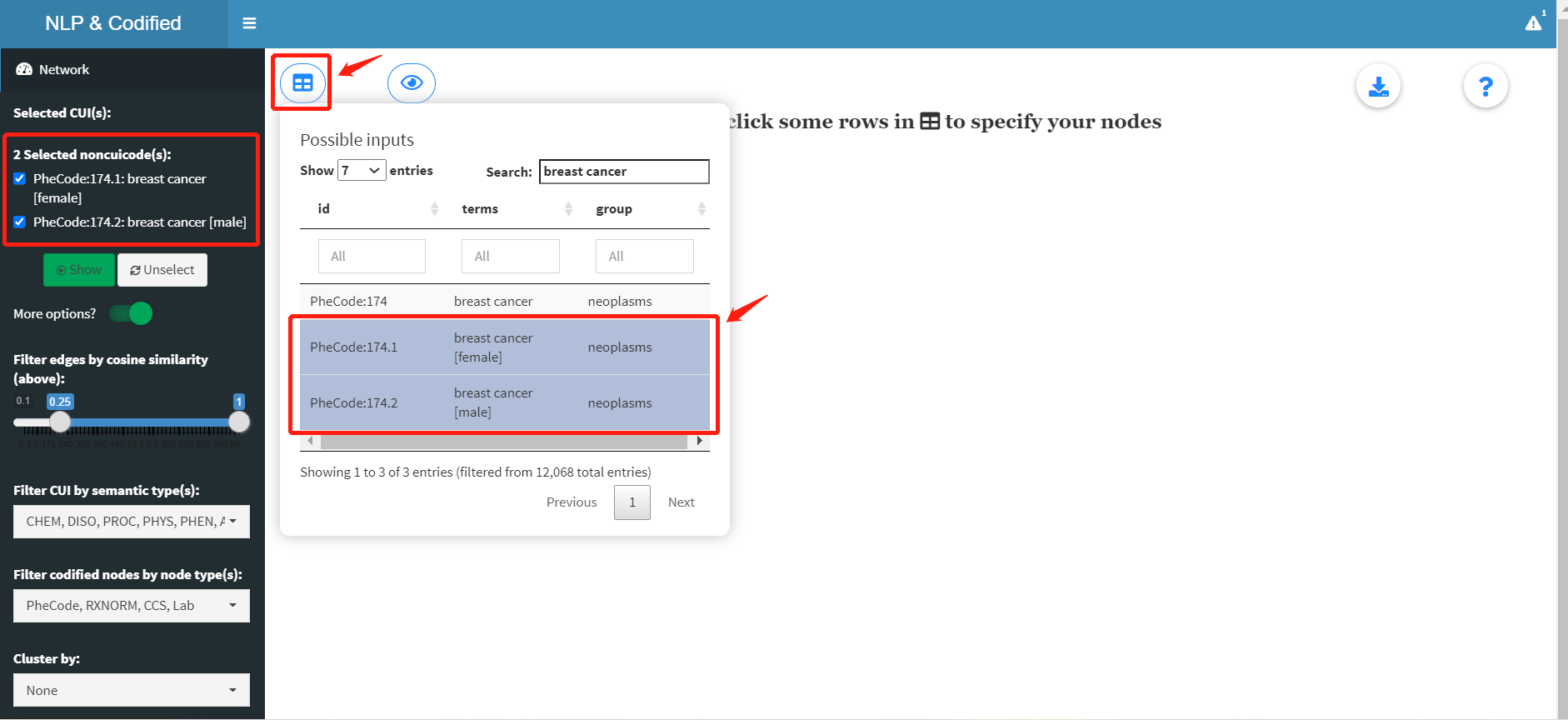
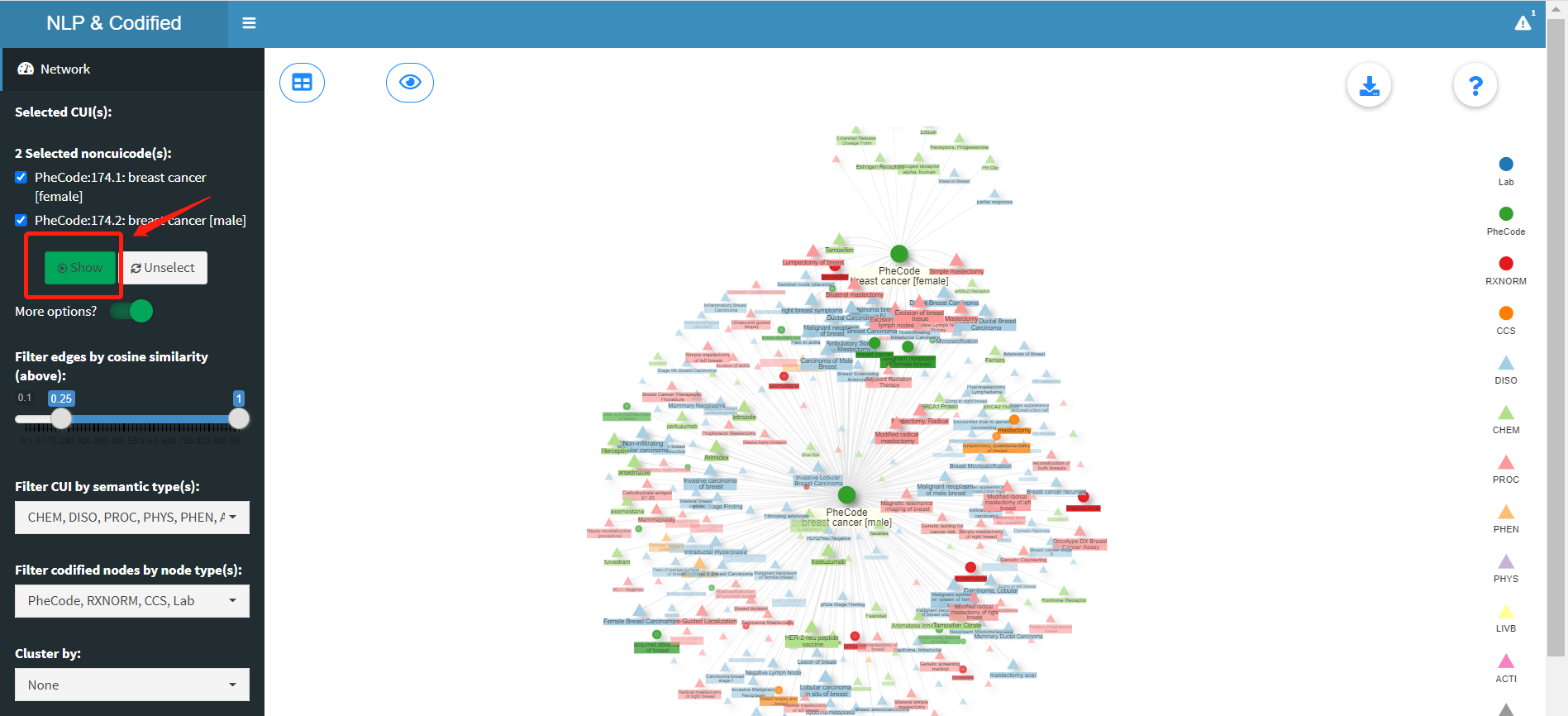
Main panel
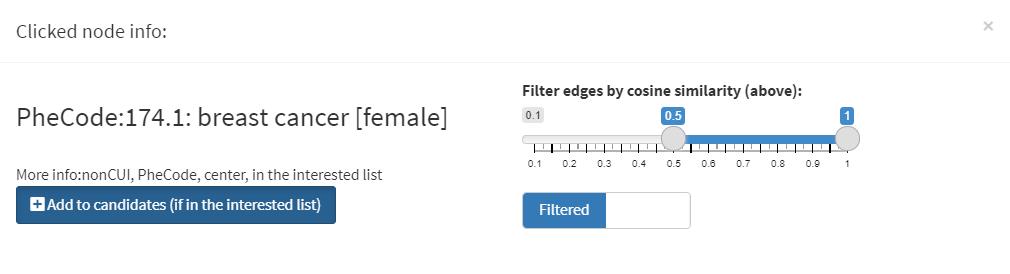
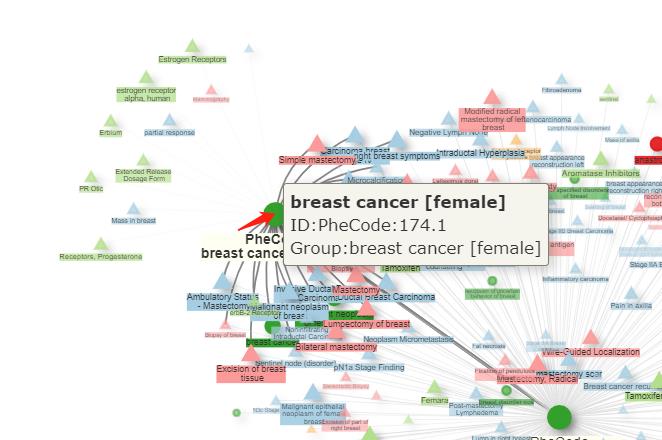
In general, there are CUIs (or NLP nodes) and nonCUIs (codified concepts) as two major classes of nodes, which we use circles and triangles to represent. For CUIs, By hovering your mouse onto any node, you will see the basic information including node ID and group name.
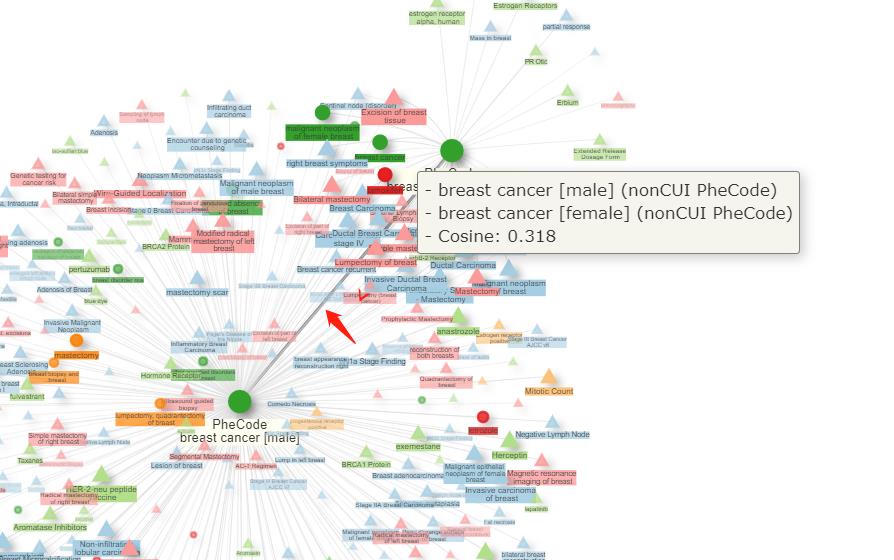
If hovering on an edge, a tooltip will show up with the connected node information and the cosine similarity. However, this is not recommended when the center node is surrounded by too many nodes, which easily leads to mistouch.
You can use the nagivation buttons on the bottom to control the size of the network and move the center of the graph. The same funcionality can be achieved by scrolling up or down the mouse wheel or dragging any blank area in the main panel. Clicking the download button on the top right corner will start downloading a csv file including all edge information on the graph (five columns: center node id/label, connected node id/label and cosine similarity). The questionmark button opens an instruction window.